

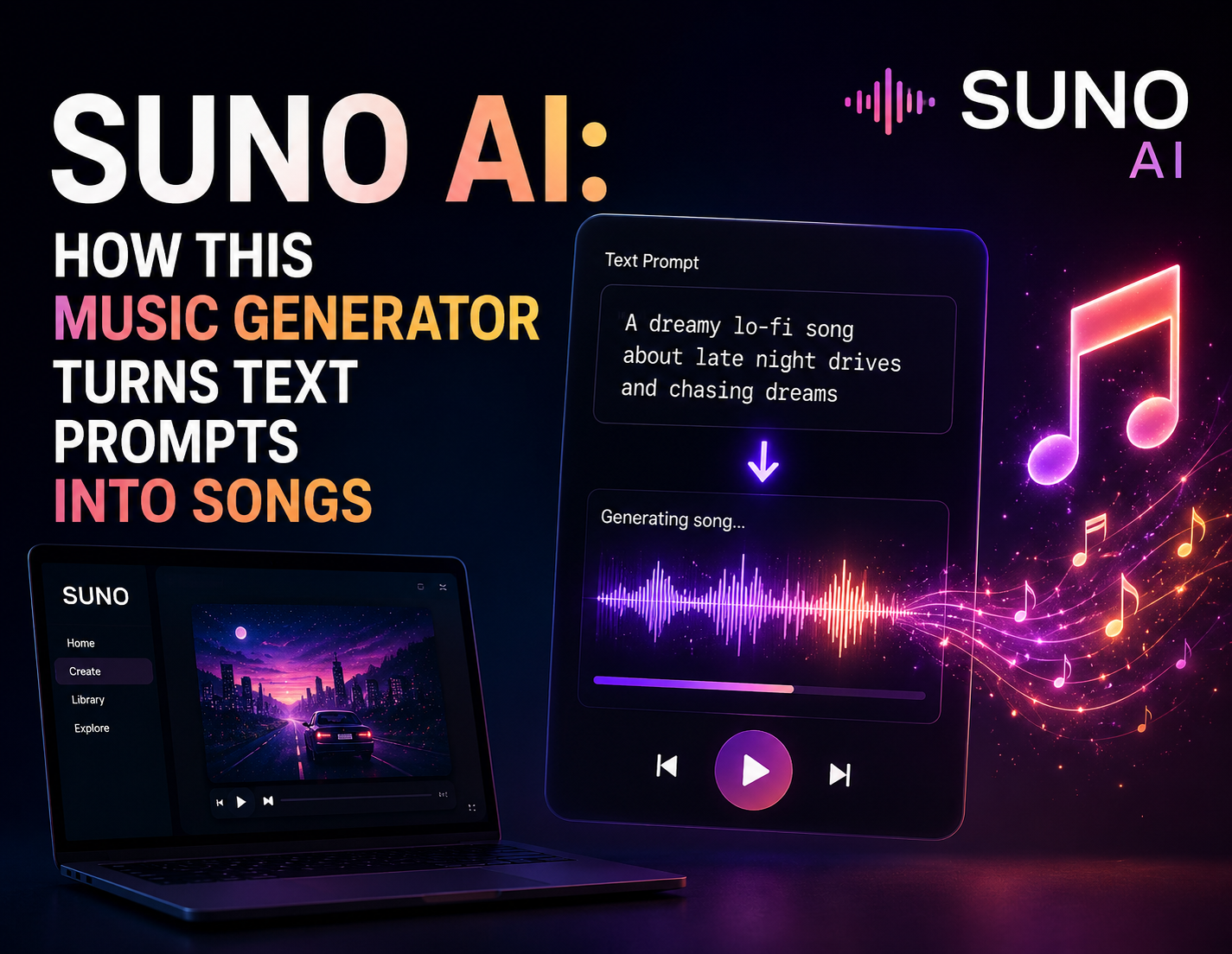
Suno AI is a generative music tool that creates complete songs—including vocals, lyrics, and instrumentals—from simple text prompts. You describe a style, mood, or theme, and Suno produces a full track in seconds. It’s used by hobbyists, content creators, and curious musicians who want to make original music without playing an instrument.
Making music used to require years of practice, expensive gear, or a studio full of session players. Suno AI removes almost all of those barriers. Type a sentence like “upbeat indie pop song about summer road trips,” and within moments you get a finished track complete with melody, backing instruments, and sung lyrics. That shift—from skill-heavy craft to prompt-driven creation—is why Suno has become one of the most talked-about names in generative audio.
This article breaks down what Suno AI actually is, how it works under the hood, what you can realistically do with it, and where its limits lie. You’ll also find a straightforward look at pricing, copyright questions, and how Suno compares to other AI music tools. By the end, you’ll know whether it’s worth adding to your creative toolkit—and how to get the most out of it if you do.
What Is Suno AI and Who Is It Actually For?
Suno AI is a text-to-music platform that generates full songs from written prompts. Unlike older AI tools that produced only short instrumental loops, Suno builds complete compositions with structured verses, choruses, and AI-generated vocals. You can specify a genre, mood, tempo, and subject matter, and the model handles the rest.
The appeal is broad. Hobbyists use Suno to turn inside jokes into birthday anthems. Content creators generate royalty-friendly background tracks for videos and podcasts. Independent artists sketch out ideas before recording them properly. Even people with zero musical background use it simply because it’s fun and instant.
Suno isn’t trying to replace professional composers or studios. It sits in a different lane—fast, accessible, and experimental. If you value speed and novelty over granular control, Suno delivers. If you need frame-perfect precision over every note, a digital audio workstation still wins. As tech coverage from outlets like TechBullion has noted, the wave of consumer AI tools tends to succeed by lowering the entry barrier rather than out-competing experts, and Suno fits that pattern neatly.
How Does Suno AI Actually Turn a Text Prompt Into a Song?
At its core, Suno relies on deep learning models trained on large volumes of audio and lyrical data. When you enter a prompt, the system interprets your description—genre cues, emotional tone, subject matter—and predicts what a matching song should sound like. It then generates the instrumental arrangement and vocal performance together, aligning the sung lyrics to the melody and rhythm.
The process runs in two broad layers. First, the model handles the composition: chord progressions, structure, and instrumentation. Second, it produces the vocal layer, generating a synthetic voice that sings your lyrics in the chosen style. Because these run in sequence and then blend, the final output feels like a cohesive track rather than a stitched-together patchwork.
You have two main ways to guide the output. In simple mode, you type a plain-language description and let Suno make the creative calls. In custom mode, you supply your own lyrics, choose a specific style, and add tags to steer the sound. The more specific your input, the more predictable your result—vague prompts produce surprising (sometimes delightful, sometimes odd) outcomes.
What Can You Realistically Create With Suno AI?
The range is wider than most first-time users expect. Here are the most common use cases:
- Full original songs across genres like pop, rock, hip-hop, EDM, lo-fi, country, and cinematic orchestral.
- Custom lyric songs, where you paste your own words and let Suno compose the music and sing them.
- Background music for YouTube videos, TikTok clips, podcasts, and streams.
- Personalized tracks for gifts, weddings, parties, and social posts.
- Songwriting drafts that musicians refine later in a proper studio setup.
Quality varies by genre. Suno tends to shine on contemporary pop, electronic, and lo-fi styles, where its smooth production suits the format. More complex, dynamic genres—like intricate jazz or dense progressive metal—can expose the model’s limits, producing tracks that sound close but not quite authentic.
How Much Does Suno AI Cost and Is There a Free Plan?
Suno offers a tiered model. There’s a free plan that lets you generate a limited number of songs per day using shared computing credits, which is ideal for testing the tool. Paid subscriptions unlock more monthly credits, faster generation, commercial usage rights, and priority access during busy periods.
The key distinction for many users is commercial rights. Free-tier songs generally can’t be monetized, while paid plans typically grant permission to use your generated tracks in monetized content. If you plan to publish music on streaming platforms or use it in revenue-generating videos, a paid plan is the safer choice. Pricing changes over time, so always check Suno’s official site for current rates before subscribing.
Choose the free plan if you’re experimenting or making personal, non-commercial songs. Choose a paid plan if you need commercial rights, higher output volume, or you’re building content at scale.
Who Owns the Songs You Make—and Is Suno AI Copyright-Safe?
This is where things get genuinely nuanced. Ownership and usage rights depend on your subscription tier and Suno’s terms of service, which grant commercial usage to paid subscribers for the songs they generate. That’s different from full copyright in the traditional sense, since AI-generated works occupy uncertain legal territory in many countries.
Two questions matter most. First, can you monetize your track? Paid plans generally allow it. Second, is the output legally protectable as your own copyright? That answer is still evolving—several jurisdictions have signaled that purely AI-generated work may not qualify for copyright protection the way human-authored work does.
The practical advice: read Suno’s current terms before publishing anything commercially, and if you’re building a business around AI music, consult proper legal guidance. Discussions among founders and creators—including communities like those featured on Founder Stories—repeatedly stress that AI content rights are an active, unsettled area, so caution pays off.
How Does Suno AI Compare to Other AI Music Generators?
Suno’s main competitor is Udio, another text-to-song platform, alongside instrumental-focused tools like AIVA and Soundraw. Each targets a slightly different need.
- Suno excels at complete songs with vocals from a single prompt—strong for quick, full-track creation.
- Udio competes closely, and many users toggle between the two depending on which handles a given genre better.
- AIVA focuses on instrumental and cinematic composition, favored for scoring and soundtrack work.
- Soundraw leans toward customizable, royalty-free background music for creators.
Choose Suno if vocals and finished songs matter most to you. Choose AIVA or Soundraw if you mainly need instrumental beds for video and film. The best approach for serious creators is often to test more than one, since output quality shifts by genre and prompt style.
What Are the Main Limitations of Suno AI?
No tool is flawless, and honesty about limits helps you set expectations. Suno’s vocals, while impressive, can still sound synthetic on close listening, especially on sustained notes. Longer songs sometimes lose structural coherence, drifting away from the intended theme. And because you can’t edit individual instrument tracks with the precision of a DAW, fine-tuning is limited.
There’s also the sameness factor. Because the model draws on learned patterns, tracks in the same genre can start to feel formulaic if you generate a lot of them. Creators who lean heavily on Suno often layer their own edits, mixing, or live elements to keep results feeling fresh and distinct.
Getting Started With Suno AI
Suno AI has made music creation genuinely accessible, turning a plain sentence into a finished song faster than most people can hum a tune. Whether you’re a content creator hunting for background tracks, a hobbyist making personalized gifts, or a musician sketching ideas, it offers a low-risk way to experiment with sound.
Start with the free plan to learn how prompts translate into results. Write specific descriptions, test custom lyrics, and compare a few genres to find where Suno performs best for your needs. If you decide to publish or monetize, upgrade to a paid tier and review the current terms of service first. Treat Suno as a creative springboard rather than a finished factory—the strongest results usually come from pairing its speed with your own judgment.
Frequently Asked Questions
Is Suno AI free to use?
Yes, Suno AI offers a free plan that lets you generate a limited number of songs per day. Paid subscriptions add more monthly credits, faster generation, and commercial usage rights. The free tier is best for testing, while paid plans suit creators who need higher volume or monetization.
Can I sell or monetize songs made with Suno AI?
You can monetize songs if you’re on a paid Suno plan that grants commercial usage rights. Free-tier songs generally can’t be used commercially. Because AI copyright law is still evolving, review Suno’s current terms of service before publishing on streaming platforms or in revenue-generating content.
Does Suno AI create the vocals and lyrics too?
Yes. Suno generates instrumentals, melody, and AI-sung vocals in one output. You can let it write the lyrics automatically from your prompt, or paste your own lyrics in custom mode and have Suno compose the music and sing them.
What is the difference between Suno AI and Udio?
Both Suno and Udio are text-to-song generators that produce full tracks with vocals. They perform differently across genres, so many creators test both and pick whichever handles their target style better. Suno is widely known for smooth pop and electronic output.
Do I need musical experience to use Suno AI?
No. Suno is designed for people with zero musical background. You simply describe the song you want in plain language, and the tool handles composition, instrumentation, and vocals. More detailed prompts give you more control over the final result.
